

Run your business
from anywhere.
Run checkout, inventory, payments, customers, branches, reporting, and KRA eTIMS-ready workflows from one connected OptiBiz workspace.
Checkout that keeps queues moving
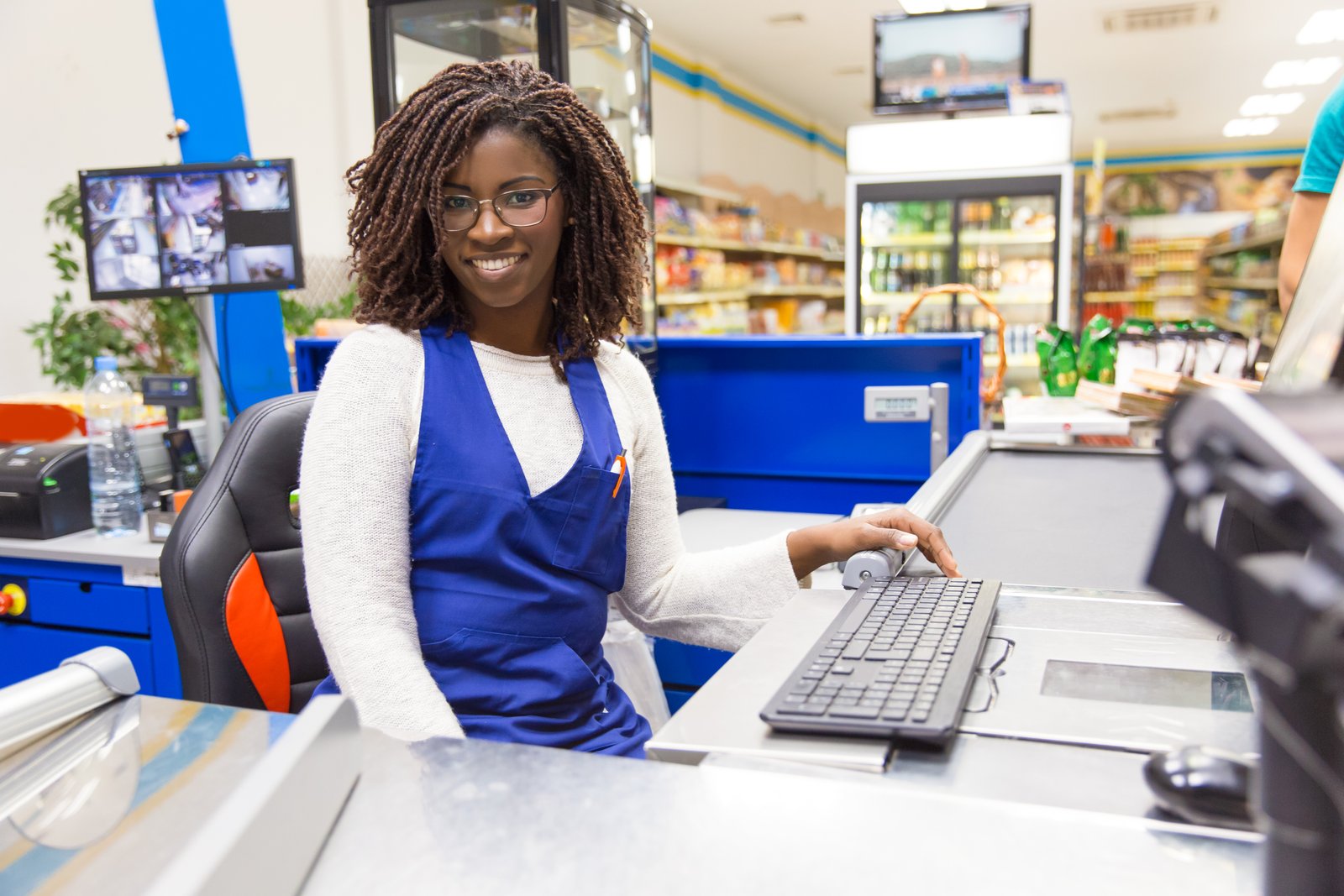
Serve customers faster with quick product search, discounts, customer records, receipt printing, payment tracking, and clear cashier shift activity.

Inventory control across every branch
Track stock levels, product movement, purchases, suppliers, transfers, and low-stock risks without juggling separate spreadsheets.
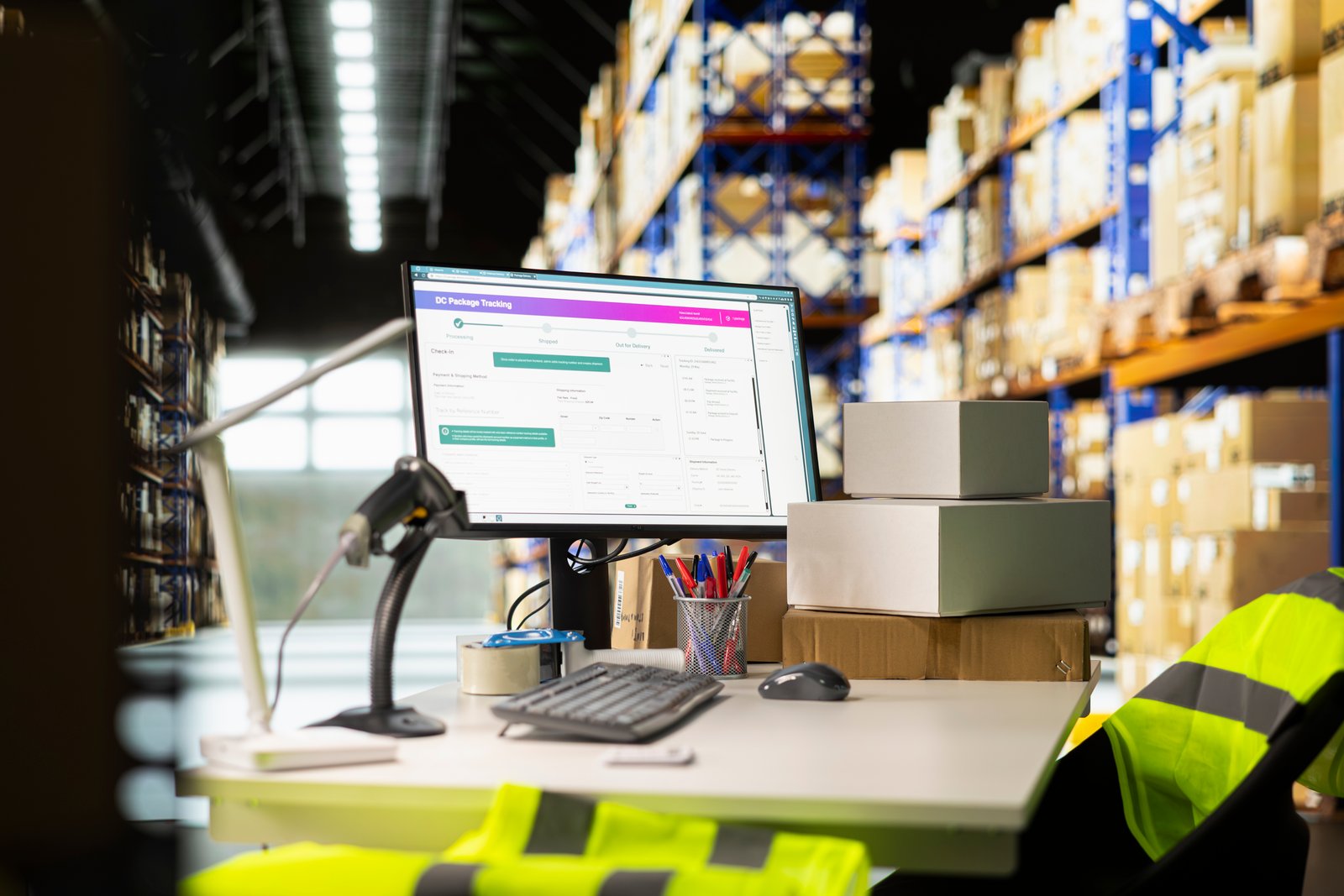
Payments and KRA eTIMS-ready workflows
Keep M-Pesa, card, cash, invoices, taxes, and compliance workflows closer to each sale so daily reconciliation is easier to trust.

Reports, permissions, and AI assistance
Give owners and managers a clearer view of sales, stock, branches, customers, users, and performance, then add BI and AI insights as the business grows.

Features built for
day-to-day POS operations
Fast Checkout
Process sales, discounts, receipts, customer lookup, and cashier shifts from a clean POS screen.
Inventory
Manage products, stock levels, purchases, suppliers, transfers, and low-stock alerts across locations.
Payments
Record cash, M-Pesa, card, bank, split-payment, and quote-first workflows with cleaner reconciliation.
KRA eTIMS
Keep invoice, tax, and compliance workflows close to the sale with eTIMS-ready setup support.
Customers & CRM
Build customer records, track sales history, manage follow-ups, and support repeat business.
Reports & AI
Review sales, stock, branch performance, and business trends, then add BI dashboards and AI assistance.
Frequently asked questions:
-
What can my team do from the POS screen?
Cashiers can search products, add customers, apply discounts, record payments, print receipts, and keep sales moving from a simple checkout workflow.
-
Can managers track stock and sales remotely?
Yes. Managers can review sales, products, stock movement, customers, invoices, and branch performance from the OptiBiz workspace, even when they are away from the shop.
-
Does OptiBiz support KRA eTIMS and local payments?
Yes. OptiBiz is built around Kenyan business workflows, including KRA eTIMS-ready invoicing and local payment channels such as M-Pesa, card, cash, and bank workflows depending on setup.
-
Can OptiBiz support different business types?
Yes. OptiBiz can support retail shops, restaurants and cafes, salons, repair shops, distributors, hotels, lodges, and service teams through the right modules and setup.
-
How does OptiBiz handle users and permissions?
You can create user roles for owners, managers, cashiers, accountants, and branch teams so each person sees the tools they need without exposing sensitive business controls.
-
Can we add BI and AI features later?
Yes. BI dashboards and AI Assistance can be added as your data grows, helping you understand sales trends, stock risks, customer behavior, and operational performance.
Why teams choose OptiBiz:


“Our checkout and stock records are finally in one place.
The team spends less time reconciling manually and more time serving customers.”
Retail Store Owner
Retail POS rollout
“It is easier to train cashiers, track daily sales, and see which products are moving.
The reports help us make decisions before small issues become expensive.”
Restaurant Manager
Restaurant operations
“Branch sales, stock movement, users, and payment activity are easier to review.
OptiBiz gives us a practical path from basic POS to better reporting and compliance.”
Branch Operations Lead
Multi-branch businessTrusted workflows for serious operators.












Run smarter checkout, stock, payments, and compliance workflows.
Book a demo and map the right setup for your business.