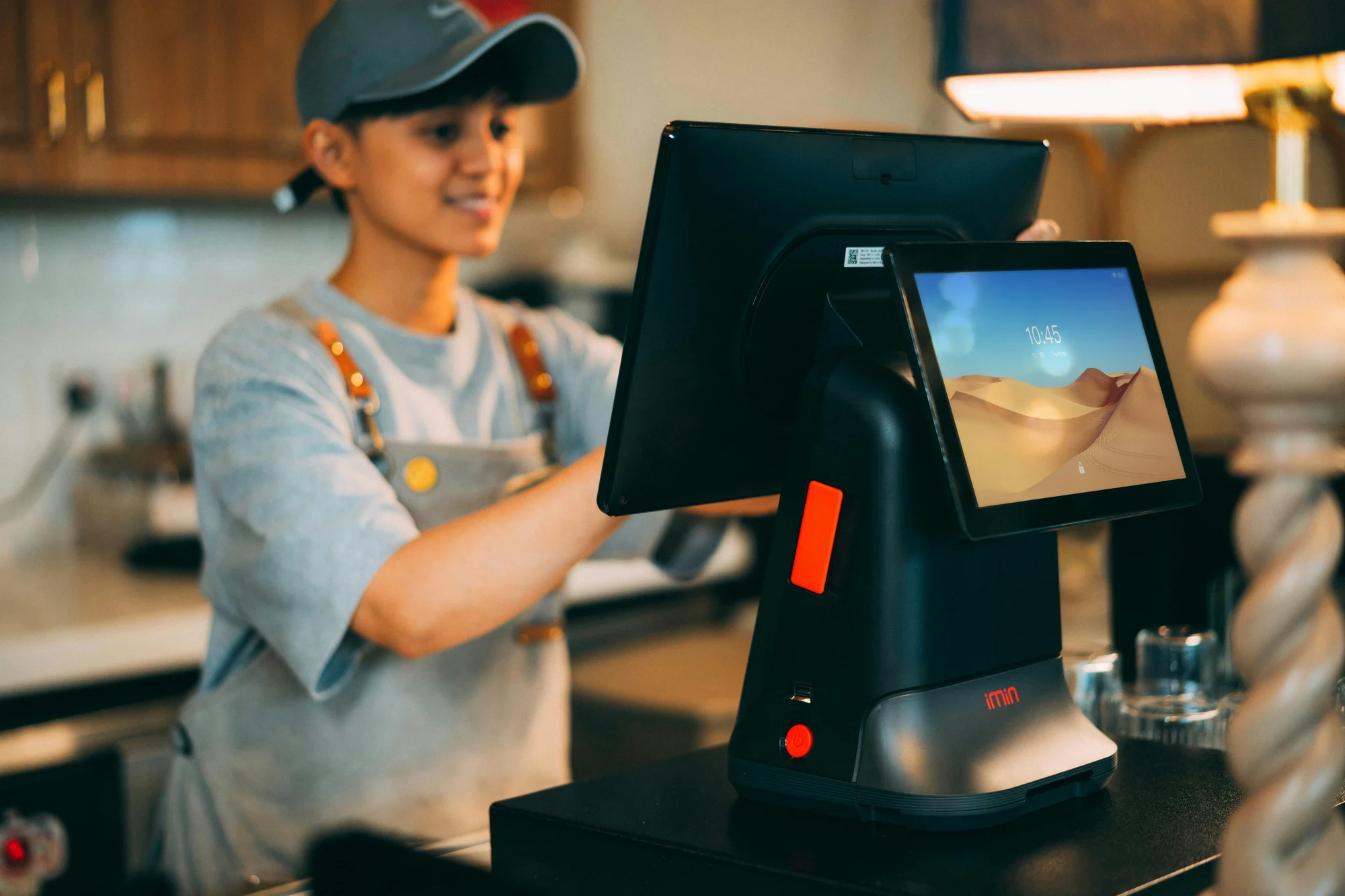
A physical store does not become efficient because it bought a POS machine. It becomes efficient when the software, hardware, counter layout, staff routine, stock process, and reporting discipline work together. Many Kenyan businesses start by asking for a printer, a barcode scanner, or an Android POS terminal, but the better first question is: what kind of selling environment are we building? A mini market has different pressure from a salon. A restaurant counter is different from a distributor. A repair shop needs job tracking. A hotel or lodge may need service records, rooms, deposits, and customer history. Hardware should follow the workflow, not the other way round.
The right setup should make daily selling faster, reduce manual recording, and give the owner better control without making the counter complicated.

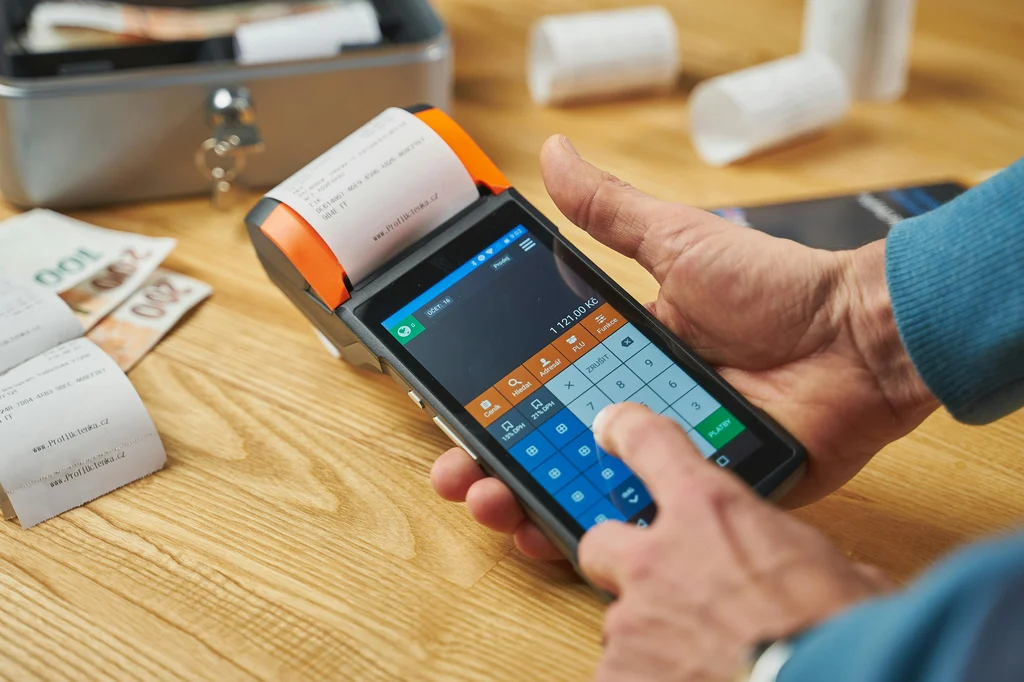
Start with the receipt printer. For most stores, an 80mm thermal printer is the practical workhorse because it prints quickly, connects to cash drawers, and handles high receipt volume better than small portable devices. USB printers are simple for one counter, LAN printers are better when more than one device may need to print, and Bluetooth or wireless options can suit mobile or lightweight setups when reliability is tested properly.
Next, consider barcode scanning. A basic 1D scanner may be enough for packaged products with standard barcodes, but many businesses are better served by a 2D scanner because it can read QR codes and more varied labels. A scanner is most valuable when product data is clean: the barcode, product name, price, stock unit, and category must be entered properly in the POS.
Cash drawers still matter in mixed-payment businesses. Even where M-Pesa is dominant, stores often handle cash change, refunds, petty cash, or deposits. A printer-triggered RJ12 cash drawer helps keep the cashier process cleaner and gives managers a stronger audit trail.
Match Hardware to the Store Type
A retail shop often needs a counter terminal, receipt printer, barcode scanner, and cash drawer. A supermarket may add label printers, weighing scale integration, extra tills, and stronger network planning. A restaurant may prioritize kitchen printing, order notes, table flow, and fast item search. A repair shop may need customer intake, job cards, deposits, technicians, and service history more than barcode speed. A mobile sales team may need Android devices, portable printers, and clear user permissions.
This is where OptiBiz can help business owners avoid overbuying. Not every shop needs the most expensive terminal on day one. A good starter kit can handle the basics, then additional counters, printers, scanners, and modules can be added once the branch volume justifies it. Buying hardware in phases is often smarter than filling the counter with devices the team has not learned to use.
For compliance-focused businesses, the POS setup also needs to respect invoicing requirements. KRA eTIMS options can run through different device and software paths, and businesses should confirm which route fits their transaction volume, tax position, and integration needs. A physical terminal is only one part of the question; the software process behind the sale is what keeps records meaningful.
Do not ignore thermal rolls, labels, network cables, backup power, and counter space. Small details can slow down a store more than owners expect. A printer placed too far away, a scanner with poor read quality, or a terminal that blocks customer interaction can make even good software feel frustrating.
Plan for Support Before You Buy
Hardware should be locally available, serviceable, and familiar to support teams. Receipt printers, barcode scanners, cash drawers, Android POS devices, and label printers are common categories in Kenya, but models vary widely in quality. A cheap device can become expensive if drivers fail, parts are unavailable, or staff keep losing time during busy hours.
A proper store setup should include testing before go-live. Print sample receipts. Scan real products. Open and close the drawer. Confirm user logins. Check sales returns. Review end-of-day reports. Test M-Pesa and card payment recording. If there are branches, test branch separation and stock transfers. If labels are needed, print and scan them before the first trading day.
Training matters as much as the equipment. Cashiers should know what to do when a product is missing, when a discount is requested, when a receipt fails, when a customer pays partly by M-Pesa and partly by cash, or when a sale must be corrected. Managers should know how to review reports without waiting for the accountant.
The best POS hardware plan is therefore not a shopping list. It is a rollout plan. It starts with the business model, then the counter flow, then the device list, then the software configuration, then training, then support. When those pieces line up, hardware becomes invisible in the best way: customers are served quickly, staff feel confident, and owners see the business clearly. Before buying, owners should also think about warranty, replacement parts, driver compatibility, local supplier response time, and whether the device can still serve the business after adding another branch or sales counter. A slightly better printer, scanner, or terminal can be cheaper in the long run if it reduces downtime during peak trading hours.
OptiBiz can support that journey from software selection to store-ready hardware planning, so a physical shop can sell, manage, and grow from one connected setup. The goal is not to fill a counter with gadgets. The goal is to build a reliable sales environment where every receipt, scan, payment, label, stock update, and branch report works together without distracting the team from customers. When the setup is planned this way, hardware stops being a cost line only and becomes part of the store’s service experience.